
Have A Coupon?
ScreenBeam Instructional Tools Bundle 1 license(s) 1 year(s)
€126.28
€102.67
1000 Qty Available
Order today, we will ship : Today
SKU
SBINSTRTOOL1Y
ScreenBeam Instructional Tools Bundle, 1 Year
Instructional Tools are designed to meet the needs of Primary/K-12 educators and students in the classroom. We focus on features that foster collaboration and engagement to enhance the classroom experience.
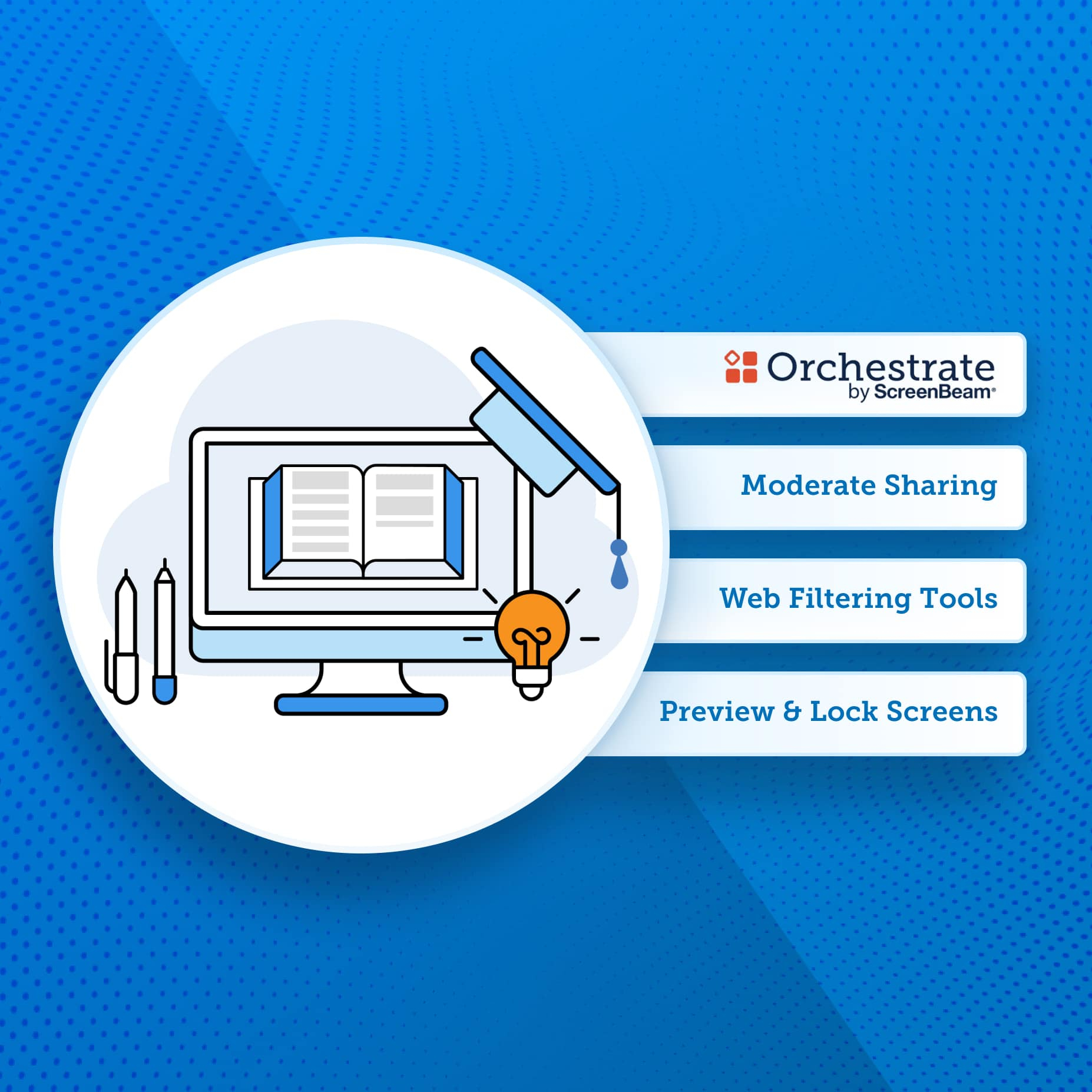
Orchestrate by ScreenBeam
- Fully moderated screen sharing for teachers and students
- Real-time visibility of student devices
- Teacher controlled web filters
- Push URLs to student devices
- Auto-rostering connects student devices automatically
- Integration with ClassLink and One Roster
- Optional chat feature allows educators to collaborate with students
- Share snapshot – push teacher content (screenshot, camera view, etc) to student devices.
Moderate Screen Sharing
- Teacher is always in control of screen casting experience in classroom
- Simple tools to share student screen to front of room display
- Easy to switch between Teacher and Student screensharing
- Wireless Ink/Annotation support on casted screen with Windows devices
Live Preview of Student Screens
- See up to 50 student screens in thumbnail view
- Zoom in on a single student screen to get a better view into what they are doing
- Grab a screenshot of student screen for formative assessment
Teacher Web Filtering Tools
- Only active during class
- Create block lists for distracting web pages
- Create allow lists to tailor a lesson plan
Lock Keyboards/Blank Screens
- Screens are locked with custom message
- Keyboards and mice are locked
- Lock all or individual student screens
Orchestrate by ScreenBeam
- Fully moderated screen sharing for teachers and students
- Real-time visibility of student devices
- Teacher controlled web filters
- Push URLs to student devices
- Auto-rostering connects student devices automatically
- Integration with ClassLink and One Roster
- Optional chat feature allows educators to collaborate with students
- Share snapshot – push teacher content (screenshot, camera view, etc) to student devices.
Moderate Screen Sharing
- Teacher is always in control of screen casting experience in classroom
- Simple tools to share student screen to front of room display
- Easy to switch between Teacher and Student screensharing
- Wireless Ink/Annotation support on casted screen with Windows devices
Live Preview of Student Screens
- See up to 50 student screens in thumbnail view
- Zoom in on a single student screen to get a better view into what they are doing
- Grab a screenshot of student screen for formative assessment
Teacher Web Filtering Tools
- Only active during class
- Create block lists for distracting web pages
- Create allow lists to tailor a lesson plan
Lock Keyboards/Blank Screens
- Screens are locked with custom message
- Keyboards and mice are locked
- Lock all or individual student screens
| SKU | SBINSTRTOOL1Y | ||||||||||||||||||||||||||||||
|---|---|---|---|---|---|---|---|---|---|---|---|---|---|---|---|---|---|---|---|---|---|---|---|---|---|---|---|---|---|---|---|
| Specification |
|
||||||||||||||||||||||||||||||
| Manufacturer | ScreenBeam | ||||||||||||||||||||||||||||||
| Short Description | ScreenBeam Instructional Tools Bundle, 1 Year | ||||||||||||||||||||||||||||||
| Description |
Instructional Tools are designed to meet the needs of Primary/K-12 educators and students in the classroom. We focus on features that foster collaboration and engagement to enhance the classroom experience. Orchestrate by ScreenBeam - Fully moderated screen sharing for teachers and students - Real-time visibility of student devices - Teacher controlled web filters - Push URLs to student devices - Auto-rostering connects student devices automatically - Integration with ClassLink and One Roster - Optional chat feature allows educators to collaborate with students - Share snapshot – push teacher content (screenshot, camera view, etc) to student devices. Moderate Screen Sharing - Teacher is always in control of screen casting experience in classroom - Simple tools to share student screen to front of room display - Easy to switch between Teacher and Student screensharing - Wireless Ink/Annotation support on casted screen with Windows devices Live Preview of Student Screens - See up to 50 student screens in thumbnail view - Zoom in on a single student screen to get a better view into what they are doing - Grab a screenshot of student screen for formative assessment Teacher Web Filtering Tools - Only active during class - Create block lists for distracting web pages - Create allow lists to tailor a lesson plan Lock Keyboards/Blank Screens - Screens are locked with custom message - Keyboards and mice are locked - Lock all or individual student screens |
||||||||||||||||||||||||||||||
| Hide Ship Date? | No | ||||||||||||||||||||||||||||||